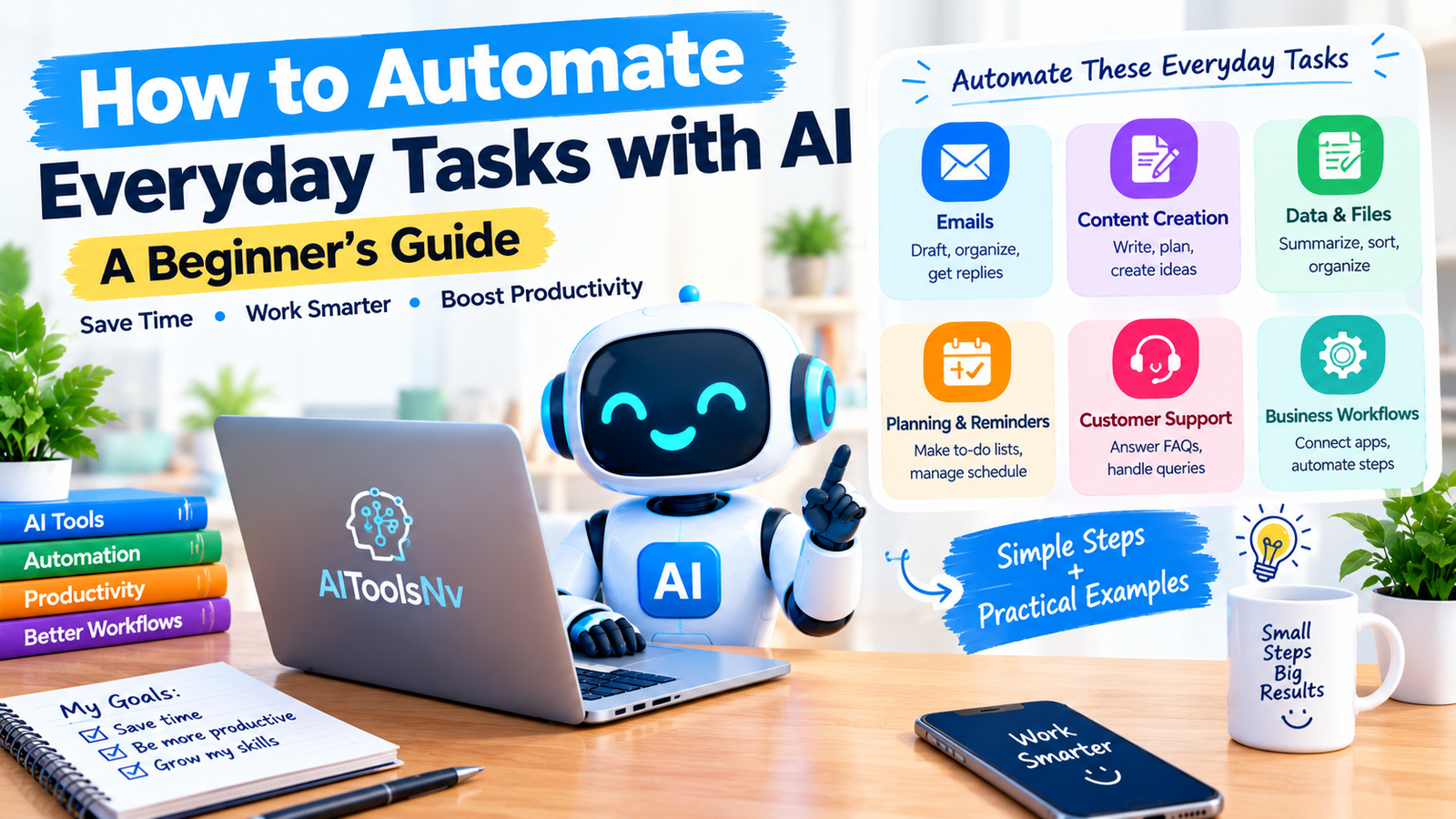
How to Automate Everyday Tasks with AI
Artificial intelligence (AI) is changing how people manage everyday tasks. From drafting emails and summarizing documents to organizing information and planning content, AI tools can help reduce repetitive work and save time.
You do not need to be a programmer or an experienced technology user to get started. Many AI tools offer simple interfaces that beginners can use for writing, research, organization, and basic workflow automation.
In this guide, you will learn how to automate everyday tasks with AI, which tools you can explore, how to build your first workflow, and what to consider before connecting your accounts or sharing personal information.
What Does It Mean to Automate Tasks with AI?
Automating tasks with AI means using artificial intelligence to help perform or simplify activities that would otherwise require manual effort.
For example, you can use an AI assistant to summarize a long document, draft an email, categorize information, or turn notes into a structured checklist.
Some tasks can be completed directly inside an AI assistant. Other workflows require automation platforms that connect different applications and trigger actions when specific events occur.
It is important to understand that AI assistance and full automation are not the same thing. Asking an AI tool to write an email is AI assistance. Automatically preparing an email draft when a new form is submitted is a workflow that combines AI with automation.
Everyday Tasks You Can Automate with AI
Here are several practical examples for beginners.
1. Writing and Organizing Emails
Writing routine emails can take time, particularly when you need to respond to similar questions regularly.
AI tools can help you:
- Draft professional emails from short notes.
- Rewrite messages in a clearer tone.
- Summarize long email conversations.
- Create reusable email templates.
- Organize information into action items.
Example prompt:
“Write a polite and professional email asking a client to confirm the meeting date. Keep it concise and friendly.”
For a simple start, copy non-sensitive details into an AI assistant and review the result before sending it.
2. Creating Blog Content
Bloggers and website owners can use AI to organize their content workflow.
AI can assist with:
- Brainstorming article topics.
- Creating article outlines.
- Improving headings and readability.
- Drafting introductions and summaries.
- Preparing social media captions.
- Creating editorial calendars.
Example prompt:
“Create a beginner-friendly outline for an article about AI productivity tools. Include an introduction, practical examples, limitations, FAQs, and a conclusion.”
Use the outline as a starting point. Add your own explanations, original examples, fact-checking, and useful recommendations before publishing.
AI-generated content should not simply be published in bulk without reviewing its accuracy, usefulness, and originality.
3. Summarizing Documents and Research
Reading long reports, meeting notes, or research documents can be time-consuming.
AI tools can help extract important points, identify themes, and turn lengthy material into shorter summaries.
Example prompt:
“Summarize this document into five key points. Separate confirmed facts from recommendations and mention any important limitations.”
Always check the summary against the original document, especially when it contains financial, legal, technical, or other important information.
Avoid uploading confidential documents to services unless you understand and approve their data-handling policies.
4. Organizing Data and Spreadsheets
AI can help beginners understand spreadsheet data and organize information.
Possible uses include:
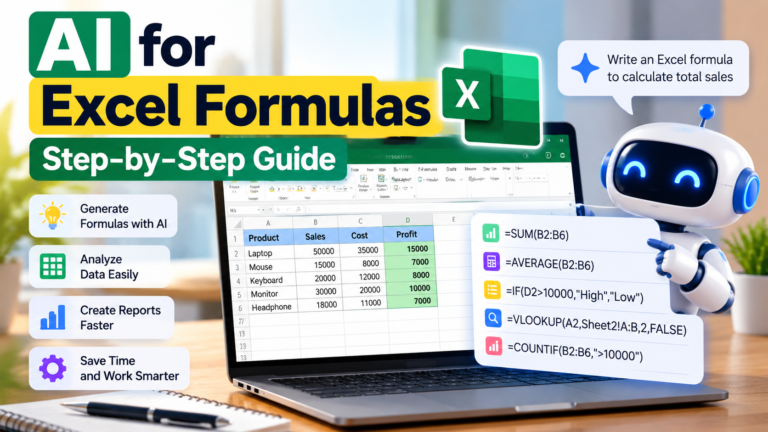
- Suggesting spreadsheet formulas.
- Categorizing text entries.
- Explaining patterns in a dataset.
- Cleaning inconsistent formatting.
- Turning unstructured notes into tables.
Example prompt:
“Explain how to identify duplicate email addresses in a spreadsheet. Give me a simple method and explain each step.”
For important datasets, verify formulas and results before relying on them. Do not upload private customer information unless you have appropriate permission and safeguards.
5. Planning Daily Tasks
AI assistants can help you organize a busy day into manageable steps.
You can ask them to:
- Convert notes into a to-do list.
- Prioritize tasks by deadline and importance.
- Prepare a weekly work plan.
- Break large projects into smaller actions.
- Draft reminders or checklists.
Example prompt:
“Turn these tasks into a daily schedule. Prioritize urgent deadlines, leave time for breaks, and clearly identify tasks that can wait.”
An AI assistant may suggest a schedule, but creating reminders or updating your calendar automatically usually requires a connected app or a separate workflow.
6. Managing Repetitive Business Work
Small businesses may use AI and automation together to handle routine processes.
Examples include:
- Drafting responses to common customer questions.
- Summarizing customer feedback.
- Preparing reports from structured information.
- Sending internal notifications when a form is completed.
- Organizing new enquiries for follow-up.
Start with a low-risk workflow and review its results regularly. Keep human approval for sensitive customer communications, payments, account changes, and important business decisions.
Beginner-Friendly AI Tools to Explore
Different tools serve different purposes. You do not need to use all of them; begin with the task you want to simplify.
AI assistants
AI assistants can help with writing, summarization, brainstorming, planning, and understanding information. You can begin by giving them a clear instruction and reviewing their output.
Workflow automation platforms
Platforms such as Zapier, Make, and n8n can connect supported applications and automate sequences of actions. Depending on the platform, setup, and integrations, you may be able to trigger a workflow when a form is submitted, pass information to an AI service, and send the result to another application.
Check the current plans, available integrations, usage limits, and privacy policies before choosing a platform. Features and prices can change.
Spreadsheet and productivity tools
Some spreadsheet, document, and productivity applications provide AI-assisted features. These can be useful when your work already takes place inside those applications.
Beginner tip: Start with one tool that solves a real problem. Adding several tools at once can make the workflow harder to understand and maintain.
How to Create Your First AI Automation Workflow
Follow these steps to create a simple, manageable workflow.
Step 1: Choose One Repetitive Task
Identify a task you perform frequently, such as summarizing submitted feedback or organizing enquiries.
Write down how you currently complete it and which steps take the most time.
Step 2: Define the Desired Result
Be specific about what the automation should produce.
For example:
“When a new feedback form is submitted, summarize the response into three key points and prepare a notification for the team.”
This gives you a clear goal to test.
Step 3: Choose the Right Tool
Decide whether an AI assistant alone is sufficient or whether you need an automation platform to connect applications.
For a one-time summary, an AI assistant may be enough. For a recurring process triggered by new form submissions, a workflow automation platform may be more appropriate.
Step 4: Build a Small Workflow
A basic workflow may contain three stages:
- Trigger: A new form response arrives.
- AI processing: The information is summarized into a predefined format.
- Action: A summary is prepared or sent to an appropriate destination.
The exact setup depends on the applications and integrations you choose. Some services require paid plans or API access.
Step 5: Test with Sample Information
Use fictional or non-sensitive test data first.
Check whether the workflow starts correctly, produces the expected output, and handles missing or unexpected information safely.
Do not immediately rely on an untested workflow for important business operations.
Step 6: Add Human Review
Initially, review every result before it is sent, published, or used to make a decision.
Once you understand how reliably the workflow operates, you can decide whether any low-risk steps can be performed automatically.
Step 7: Monitor and Improve
Check the workflow periodically for errors, unexpected costs, incorrect outputs, and changes to connected applications.
Keep a manual alternative available so you can continue working if an integration fails.

AI Assistance vs. AI Automation
These approaches are related, but they are different.
| Feature |
|---|
| AI Assistance |
|---|
| AI Automation |
|---|
| How it works |
|---|
| You ask AI to help with a task |
|---|
| A workflow performs steps based on defined rules or events |
|---|
| User involvement |
|---|
| Usually needed for each request |
|---|
| May run automatically after setup |
|---|
| Example |
|---|
| Asking AI to summarize an email |
|---|
| Summarizing incoming emails through a connected workflow |
|---|
| Setup |
|---|
| Often simple |
|---|
| May require configuration and integrations |
|---|
| Best for |
|---|
| Occasional tasks and drafting |
|---|
| Repetitive, predictable processes |
|---|
Neither approach is automatically better for every situation. Choose the simplest method that reliably meets your needs.
Benefits of Using AI for Everyday Tasks
AI-assisted workflows can provide several advantages:
- Less repetitive work: Spend less time on routine drafting and organizing.
- Consistent processes: Reuse prompts and workflow steps for similar tasks.
- Better organization: Turn unstructured information into summaries and lists.
- More time for important work: Focus on activities that require judgment, creativity, and personal attention.
- Room to grow: Improve a workflow gradually as your needs change.
These benefits depend on the task, the quality of the tools, and how well the workflow is designed. AI does not guarantee that every task will be completed faster or correctly.
Risks and Mistakes to Avoid
Before automating a task, consider these important points.
Do not trust every AI output
AI can produce inaccurate information, misunderstand instructions, or omit important details. Check facts and review important outputs.
Protect your information
Read privacy policies before connecting email, cloud storage, customer databases, or other accounts. Use only the permissions needed for the task.
Watch usage limits and costs
Some tools offer free plans with restrictions, while other features require a subscription, credits, or API usage charges. Check the current terms before building a workflow that runs frequently.
Avoid unnecessary automation
Not every task needs to be automated. A simple checklist or reusable template may be easier and safer than a complex workflow.
Keep control of important actions
Require human approval for high-impact decisions, sensitive messages, payments, or changes to important records.
How to Measure Whether Your Automation Is Working
After testing your workflow, compare the process before and after automation.
Consider measuring:
- Time required to complete the task.
- Number of errors or corrections.
- Frequency of workflow failures.
- Cost per completed task.
- Amount of human review still required.
For example, if a workflow saves time but creates frequent errors, it may need improvement before you depend on it. The goal is not simply to automate more tasks; it is to make work more reliable and useful.
Frequently Asked Questions
Can beginners automate tasks with AI?
Yes. Beginners can start with simple tasks such as drafting emails, summarizing documents, creating checklists, and organizing information. More advanced workflows may require connecting applications and configuring automation rules.
Do I need coding skills?
Not always. Many AI assistants and visual automation platforms support no-code workflows. However, advanced integrations, custom APIs, and complex processes may require technical knowledge.
Can I automate tasks for free?
Some tools offer free plans or limited free usage. Availability depends on the provider, features, usage limits, and integrations. Review current pricing before committing to a workflow.
Is AI automation safe?
It can be useful when configured carefully, but safety depends on the information involved, account permissions, provider policies, and the consequences of an error. Test workflows with non-sensitive data and maintain human review for important actions.
What is the easiest task to automate first?
A good first project is a low-risk, repetitive task with a clear result, such as turning meeting notes into a checklist or summarizing non-sensitive feedback.
What is the difference between AI automation and AI agents?
AI automation usually follows a defined workflow with triggers and actions. AI agents can use an AI model to select steps or tools toward a goal, depending on their design and permissions. The two approaches can overlap, and neither should be assumed to operate reliably without testing.
Conclusion
Learning how to automate everyday tasks with AI starts with identifying a repetitive activity and choosing a simple way to improve it. AI assistants can help with writing, research, planning, and summarization, while workflow automation platforms can connect applications and perform recurring steps.
Start small, test your results, protect your information, and review important outputs. As you gain experience, you can improve your workflows and decide which tasks genuinely benefit from automation.
If you are new to this topic, read our related guide on What Is AI Automation? A Beginner’s Guide with Practical Examples to understand how triggers, AI processing, and automated actions work together.